
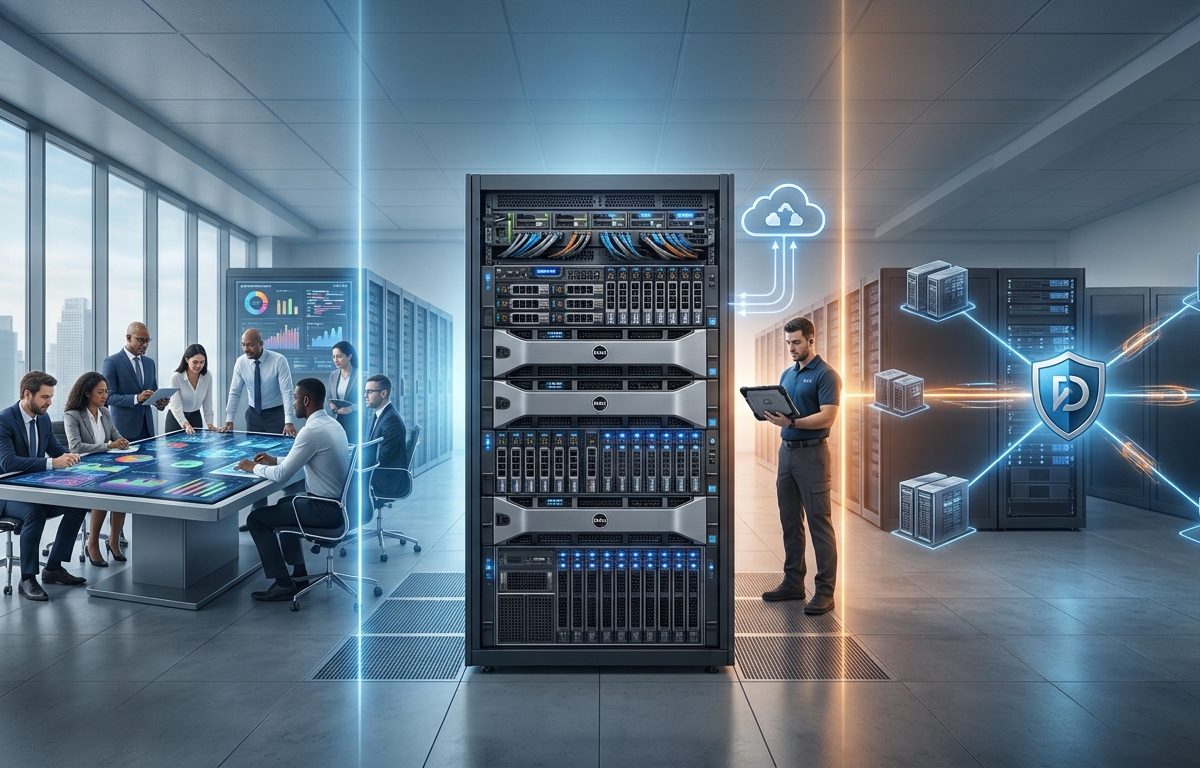
Dell PowerEdge Servers: The Ultimate Guide for Business Infrastructure
Businesses need reliable IT infrastructure to manage data, run applications, and support daily operations. As workloads increase, choosing the right server becomes essential for maintaining performance, improving scalability, and controlling long-term costs.
Dell PowerEdge Servers provide enterprise-grade computing solutions for businesses of different sizes. From hosting databases and business applications to supporting virtualization and artificial intelligence (AI), these servers offer configurable hardware designed for demanding workloads.
Understanding the available features, configurations, and management tools helps organizations select a server that meets their current needs while supporting future growth.
What Are Dell PowerEdge Servers?
Dell PowerEdge Servers are enterprise computing systems developed by Dell Technologies to run applications, process data, and provide centralized IT resources. Unlike standard desktop computers, they are designed for professional environments that require consistent performance, remote management, and flexible expansion.
The PowerEdge portfolio includes several server types.
Rack servers fit into standardized server racks and are commonly used in data centers. They are suitable for virtualization, databases, and business applications.
Tower servers feature a standalone design and are often appropriate for small and medium-sized businesses that need dedicated computing resources without a complete server rack.
High-density and specialized servers support environments that require substantial computing capacity, GPU acceleration, or efficient use of data center space.
The right configuration depends on workload requirements, available space, budget, and plans for future expansion.
Key Features & Technologies of Dell PowerEdge
Dell PowerEdge Servers combine enterprise hardware, remote management, security controls, and flexible configuration options. Understanding these features helps businesses identify the capabilities that matter most for their environments.
- Scalable Processing Performance
Processor capacity determines how efficiently a server handles applications, transactions, and concurrent users. Depending on the model, Dell PowerEdge Servers support processors from Intel Xeon and AMD EPYC families.
Businesses running multiple virtual machines or demanding databases may require higher core counts, while other applications may benefit more from strong per-core performance. Evaluating the workload before selecting a processor helps avoid unnecessary spending.
- Memory and Storage Options
Memory capacity affects application responsiveness, database performance, and virtualization density. Many newer PowerEdge models support DDR5 memory, although specifications vary by generation and configuration.
Storage options may include solid-state drives (SSDs), NVMe drives, and hard disk drives. Businesses should evaluate storage capacity, speed, redundancy, and future expansion requirements.
Important considerations include:
– Capacity: How much data must the server store?
– Performance: Do applications require low-latency storage?
– Redundancy: Would RAID help protect against individual drive failures?
– Scalability: Can storage capacity increase as business needs grow?
RAID can improve availability, depending on the configuration, but it does not replace a separate backup system.
- Remote Management with iDRAC
The Integrated Dell Remote Access Controller (iDRAC) enables administrators to monitor and manage supported PowerEdge hardware remotely.
Depending on the model and license, features may include hardware health monitoring, remote console access, power management, and firmware updates.
These capabilities help IT teams manage servers across multiple locations and investigate hardware issues without always requiring physical access.
- Security and Reliability
Dell PowerEdge Servers offer security and reliability features that vary by model. These may include Secure Boot support, signed firmware updates, hardware-based security mechanisms, and redundant power supplies.
Selected configurations also support hot-swappable drives and redundant cooling components.
However, reliable infrastructure requires more than hardware features. Organizations should implement appropriate access controls, monitoring, regular maintenance, and disaster recovery procedures.
Business Use Cases for Dell PowerEdge
The flexibility of Dell PowerEdge Servers makes them suitable for organizations across different industries. The ideal configuration depends on the applications being supported and the level of performance, availability, and scalability required.
Business Applications and Virtualization
Organizations use servers to host enterprise resource planning (ERP) systems, customer relationship management (CRM) platforms, and internal business applications.
Dell PowerEdge Servers can also support virtualization platforms such as VMware vSphere and Microsoft Hyper-V, subject to compatibility and licensing requirements.
Virtualization allows multiple virtual machines to share physical hardware, helping businesses consolidate workloads and manage computing resources more efficiently.
Database Management and Analytics
Databases often require substantial memory, processing capacity, and fast storage. PowerEdge configurations can support relational databases, reporting platforms, and analytical applications when appropriately sized.
Businesses should assess transaction volumes, database size, storage performance, and recovery requirements before choosing a server configuration.
Artificial Intelligence and High-Performance Computing
AI development, machine learning, and complex simulations can require GPU acceleration and high-speed networking. Selected PowerEdge systems are designed to support these workloads.
Organizations considering AI infrastructure should evaluate GPU compatibility, memory requirements, power consumption, cooling, and software support. Not every business needs an AI-focused server; conventional configurations may be sufficient for less demanding applications.
File Sharing and Data Protection
Businesses can use PowerEdge servers to support shared files, internal documents, and backup applications.
A well-planned infrastructure should distinguish between primary storage, backup repositories, and disaster recovery systems. Maintaining independent backup copies and testing data restoration procedures are important for protecting business information.
How to Choose the Right Dell PowerEdge Server
Selecting the right server requires a clear understanding of current workloads and expected business growth.
Before purchasing, consider the following factors:
– Workload requirements: Identify the applications, users, and transaction volumes the server must support.
– Processor and memory: Estimate CPU capacity and RAM requirements.
– Storage: Determine capacity, speed, redundancy, and backup needs.
– Networking: Check network bandwidth and compatibility with existing equipment.
– Availability: Assess whether redundant power supplies, RAID, or clustering are necessary.
– Management: Review remote administration features and licensing requirements.
– Total cost: Consider hardware, software licensing, electricity, cooling, and maintenance.
Compatibility is equally important. Confirm that the server supports the intended operating system, applications, hypervisor, and expansion components.
A workload assessment can help organizations select Dell PowerEdge Servers that meet technical requirements without paying for unnecessary capabilities.
Why Choose Dell PowerEdge Through Arab Computers?
Choosing enterprise server hardware involves more than comparing specifications. Businesses also need to assess supplier expertise, procurement transparency, configuration options, and technical support.
Arab Computers is a potential supplier for organizations exploring Dell PowerEdge Servers. Before purchasing, businesses should confirm product availability and the specific services included in the proposed engagement.
- Technical Expertise and Configuration
A suitable provider should understand processor selection, memory sizing, storage configuration, and network compatibility. Ask whether the supplier can help match server specifications to your applications and operational requirements.
- Authenticity and Warranty
Buyers should confirm hardware authenticity, warranty eligibility, delivery terms, and manufacturer support arrangements. Written documentation helps clarify what is included in the purchase.
- Customization and Compatibility
Server configurations should align with existing applications, networking, storage, and virtualization environments. For complex deployments, confirm whether installation, migration, and configuration assistance are available.
- Communication and Ongoing Support
Clear communication and defined support procedures are important throughout the server lifecycle. Businesses should ask about technical assistance, escalation channels, maintenance arrangements, and response expectations.
Discussing your requirements with Arab Computers can help establish which available configurations are appropriate for your infrastructure plans.
FAQ:
What does a PowerEdge server do?
A PowerEdge server provides computing, memory, and storage resources for business applications, databases, file sharing, virtualization, and other enterprise workloads.
What is the latest Dell PowerEdge server?
The latest model depends on the product category and market availability. Consult current Dell product documentation or a supplier to confirm the newest models and their specifications.
Is Dell iLO or iDRAC?
Dell uses iDRAC, or Integrated Dell Remote Access Controller. HPE uses iLO, or Integrated Lights-Out. Both technologies provide remote server management, but they belong to different manufacturers.
